
When you choose a career, you need to make a presentation to research and understand the job content or development prospects of this career. This kind of presentation usually needs to be made for at least 15 pages.
At the same time, this presentation is also a stepping stone for job hunting. The difficulty of making it is that you don’t know this career very well, or you know this career but don’t have relevant detailed information. At this time, you need to spend time to find and filter a lot of information, and you also need to spend energy to design slides templates. This is a relatively difficult and time-consuming task, but now with AI, it can help you complete this task in a short time. Today we use Smallppt to make a career presentation.
Suppose I want to make an accounting career presentation now. I enter the topic: "Accounting career introduction and prospects", and then select the number of pages to generate the presentation as "11-20 pages". AI helps me generate 4 main contents.
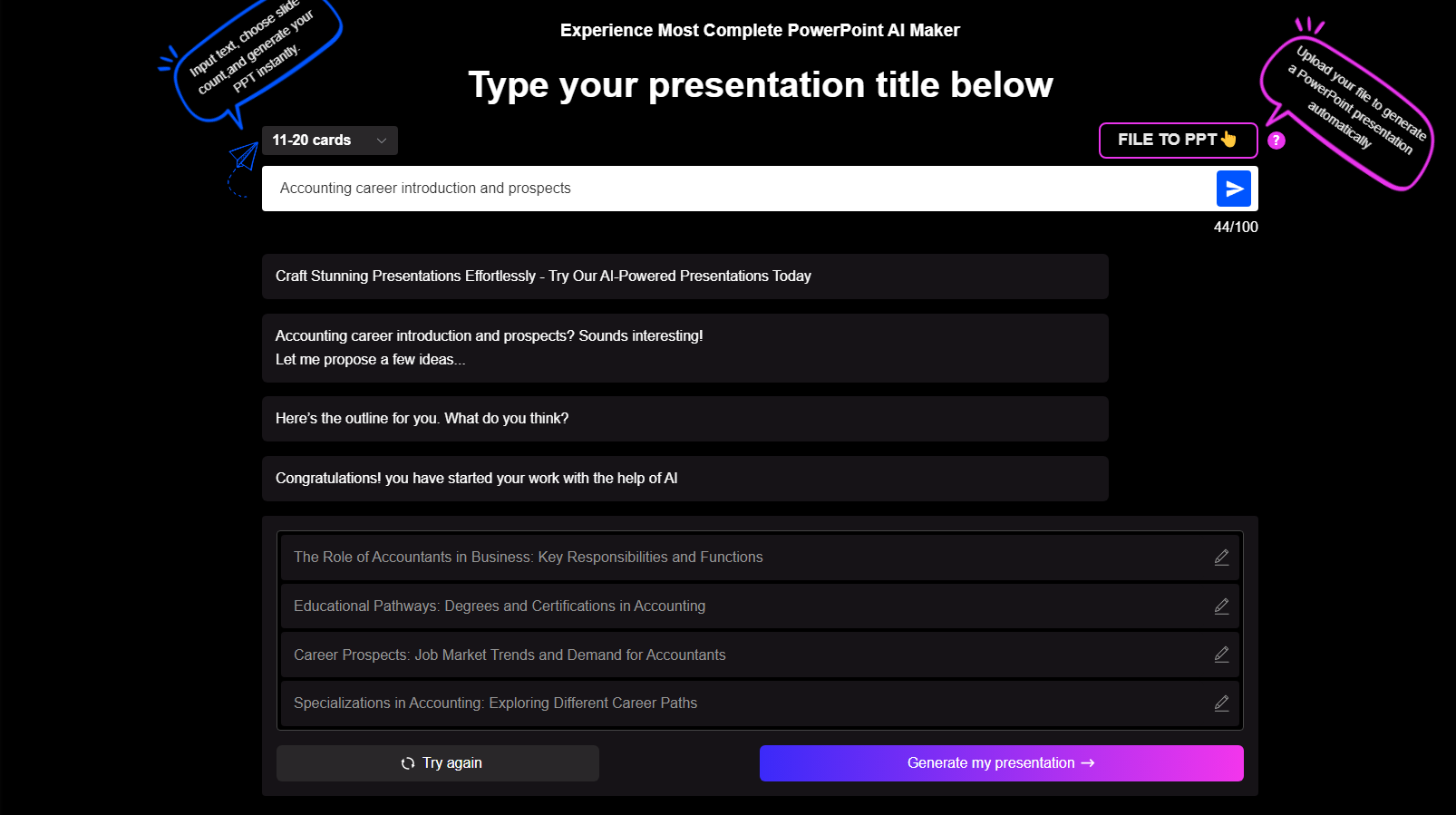
Check that the generated content is OK, click the Generate button to go to the next step to select a suitable template. I chose this business-themed template based on my professional characteristics, and then click Generate to generate the final presentation content.
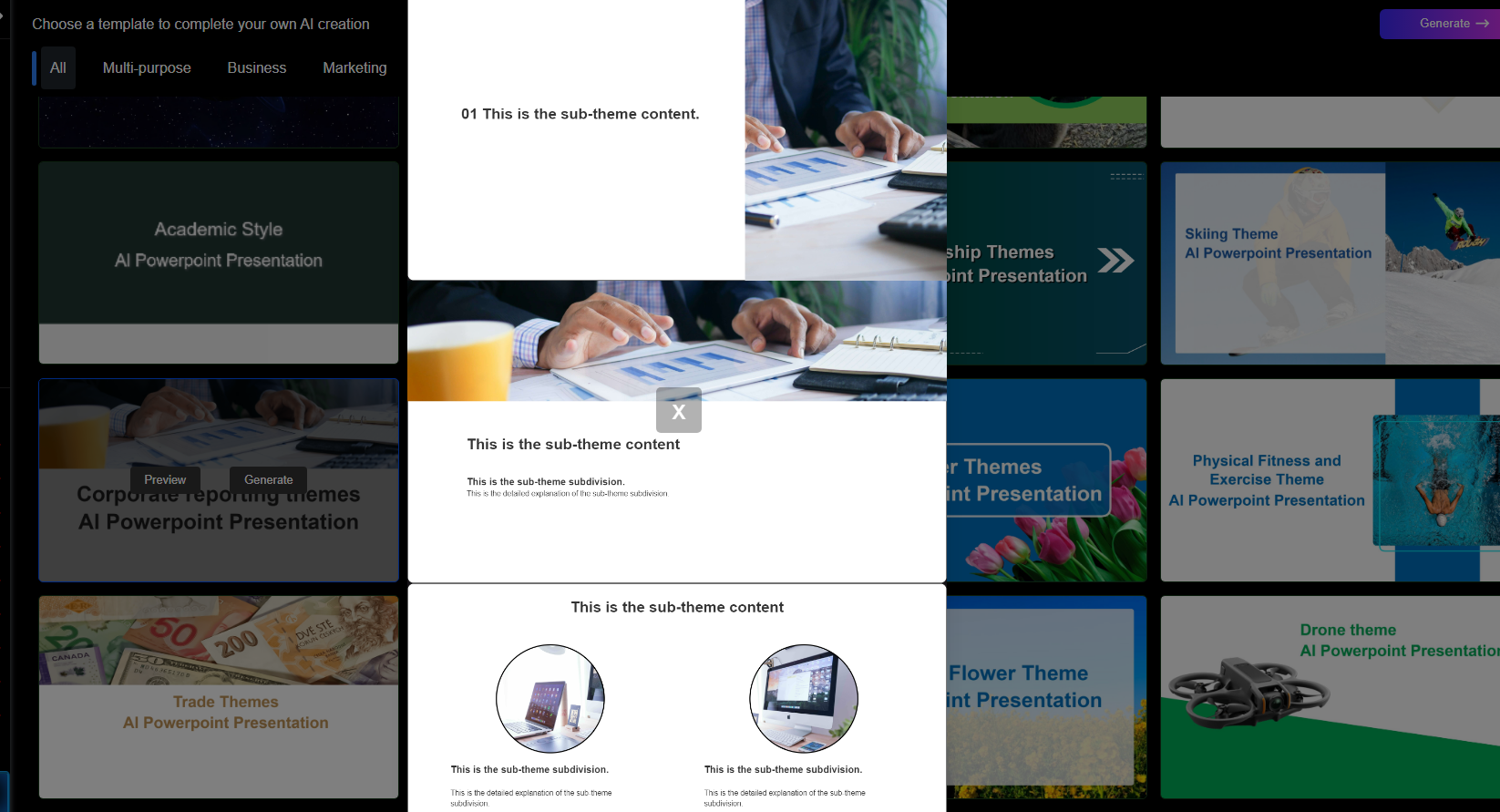
Now, it takes me less than 5 minutes to generate a career presentation, which I can download and use after making some minor modifications according to my actual situation.
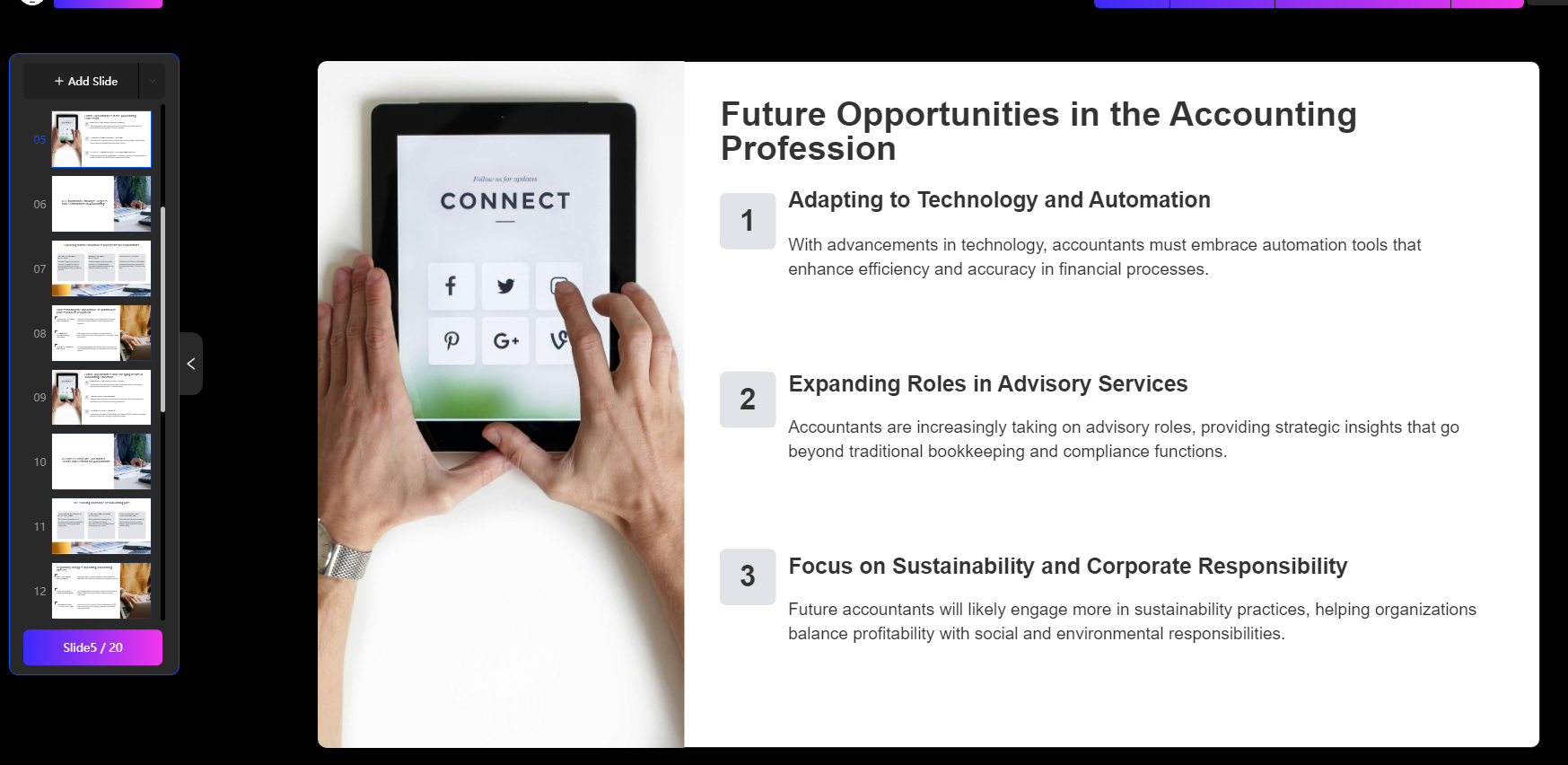
When creating a career presentation, make sure to include the following:
1. Title page (gives an idea of the topic you are writing about)
2. Job description (explains what the job entails)
3. Job content (describes the details of the day-to-day work)
4. Education requirements (clarifies whether there are any education requirements, and if so, specifies the standards)
5. Required skills
6. Salary range
7. Career prospects
You have explored various careers. Now, it is time to determine the one career that you have researched that is of the most interest to you and continue the research into the area. You will need to develop a presentation to deliver to your colleagues. This will be an assessment and culmination of your knowledge about your chosen career, business etiquette and other information attained from this course. You are only limited by your own creativity and motivation. Take the challenge, apply yourself, and have fun learning!