
A great cute slides template can turn an ordinary deck into something people actually want to look at. Whether you are a teacher building a pastel lesson, a student putting together a kawaii class project, or a creator who wants soft, charming visuals for a pitch, the right template saves hours and instantly lifts the mood of your presentation.
The good news: you do not need a design budget. There are excellent free sites where you can download cute slides templates for both Google Slides and PowerPoint, in styles ranging from coquette and cottagecore to doodle, candy and pastel.
In this guide, we round up the 10 best free sites for cute Google Slides templates and cute PowerPoint templates, with a detailed look at what each one offers so you can pick the right source for your next project. We start with Smallppt, which takes a different approach by generating your cute slides with AI, then cover nine more libraries packed with ready-made designs.

- 10 free sites to download cute slides templates for Google Slides and PowerPoint, from pastel and kawaii to doodle and coquette styles.
- Smallppt comes first because it generates cute, ready-to-edit slides with AI instead of making you search a gallery.
- Each site is reviewed in depth, with its standout features, formats, and who it is best for.
- A side-by-side comparison table plus tips on licensing and how to make your own cute slides with AI.
What makes a great cute slides template?
Before the list, it helps to know what separates a charming, usable template from a pretty picture you cannot edit. The best cute slides templates share a few traits: a soft, cohesive color palette (think pastels, pinks, creams and muted tones), playful but readable fonts, and tasteful decorative elements like doodles, stickers or hand-drawn illustrations that add personality without cluttering the slide.
Just as important is flexibility. A good template includes enough unique layouts to cover a full presentation, uses editable placeholders for text and images, and works in the tools you already use, usually Google Slides, PowerPoint, or both. Finally, check the license. Many cute Google Slides templates are free for personal and commercial use, but some require attribution or a paid plan for premium designs. With those criteria in mind, here are the ten sites worth bookmarking.
The 10 best free sites for cute slides templates
1. Smallppt
Smallppt tops the list because it does more than host templates, it builds the deck for you. Search its library for "cute," pick a pastel or kawaii design you love, then either download it or hit Generate with AI and let Smallppt turn a few words about your topic into a complete, on-brand presentation in about a minute. From there you can switch templates in one click, restyle colors, and swap images until it looks exactly right. It also exports to PPTX for PowerPoint and Google Slides and bundles an AI Writer, AI Summarizer and AI Mind Map. Best for anyone who wants cute, ready-to-edit slides fast, with little time or design experience.
Make your own cute slides with AI using Smallppt
Smallppt is not just a cute slides template site, it is also a brand-new AI slides generator. You can pick a cute template you love in advance, then upload the text you want on your slides or simply type a few words about your theme, and the AI builds your whole deck with a complete, polished design. It is genuinely amazing and easy. Let's pick a theme and walk through how it works.
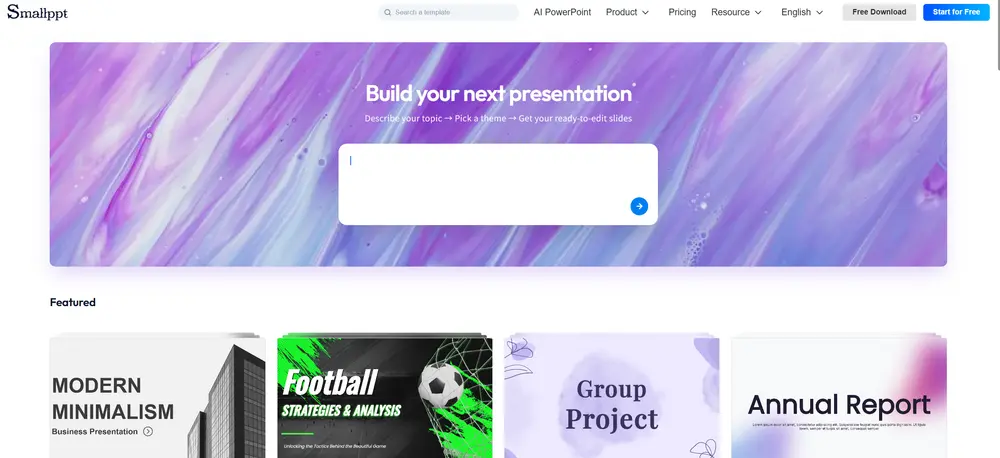
Open Smallppt's template library and select the "cute" style to browse the matching designs.
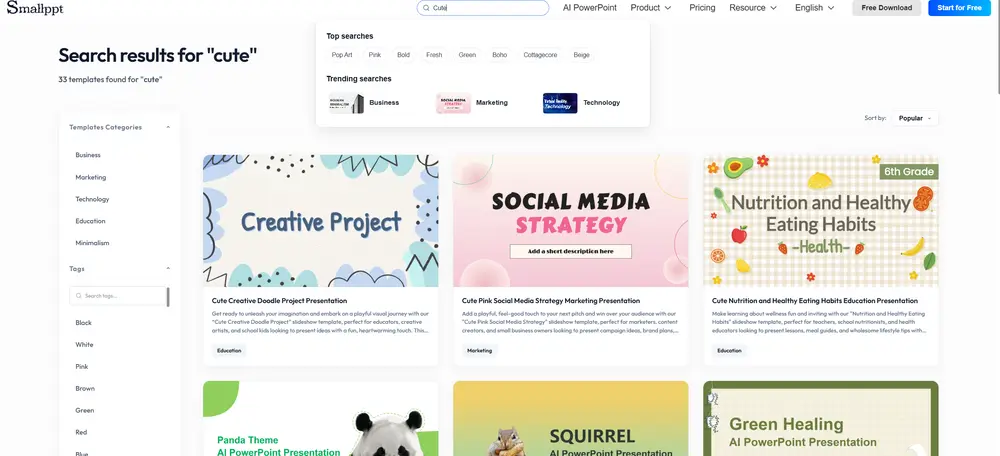
Click "Generate with AI" on the template, or simply download it and manage the deck yourself.
Two ways to start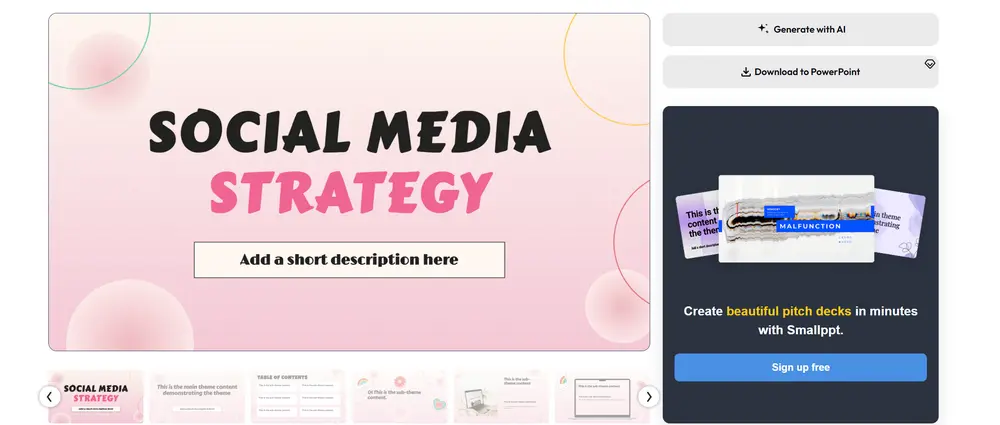
Type a few keywords about your presentation topic, set options like card count and language, then click Generate.
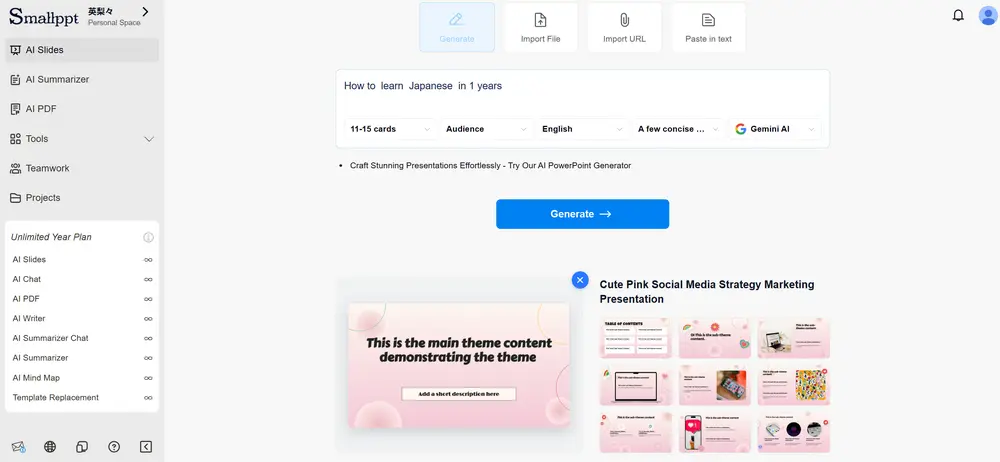
Review and edit the AI-generated outline, then click "Generate my presentation" to build the full deck.
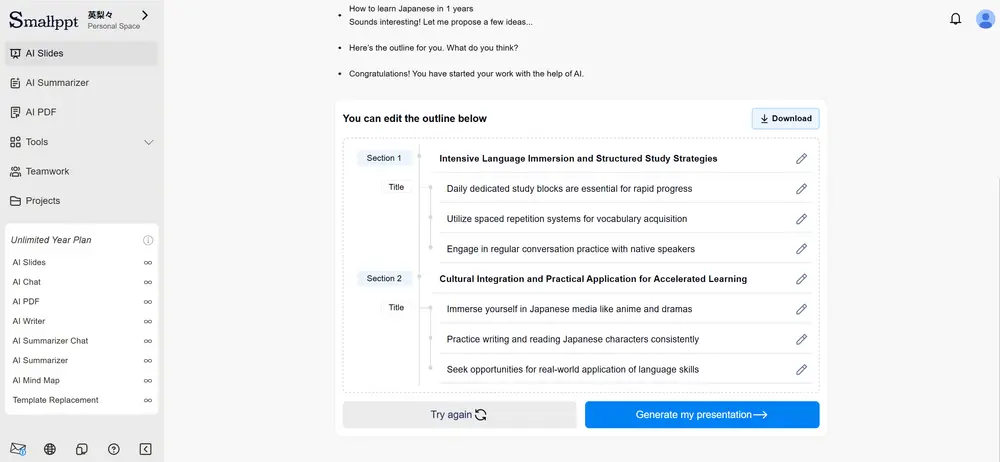
Fine-tune every slide yourself until the cute look is exactly what you want.
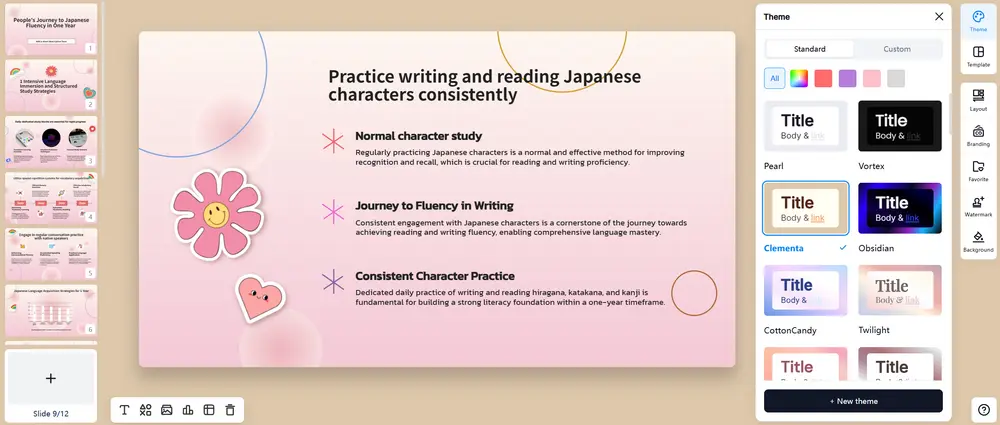
Smallppt delivers a complete, beautiful slide deck in roughly 20 seconds. From there you can easily edit the theme colors, layout and fonts, insert charts and tables, and manage your watermark. Every feature you need is built into Smallppt.
2. Slidesgo
Slidesgo, part of the Freepik family, hosts one of the web's largest libraries of cute Google Slides templates and PowerPoint themes, spanning coquette, doodle, pastel, animal and seasonal styles. Every design is professionally made, fully editable, works in both Google Slides and PowerPoint, and integrates with Flaticon, Freepik and Storyset for matching graphics. The free tier asks you to register and caps downloads per month, with unlimited access and premium designs on a paid plan. Best for variety, polish and trending aesthetics, if you don't mind a free account.
3. SlidesCarnival
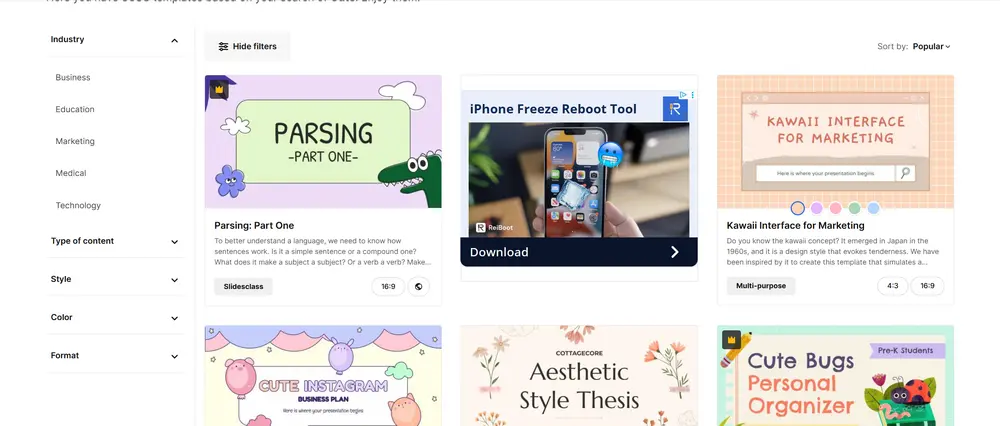
SlidesCarnival is genuinely free, with no sign-ups, no download limits, and templates free for any use, which makes it one of the most generous sources here. Its cute tag is neatly sorted into styles like candy, doodles, coquette, cat, cottagecore, Korean and pastel, all compatible with Google Slides and PowerPoint, and the layouts look polished rather than gimmicky. It recently added templates for docs and sheets too. Best for grabbing an adorable, ready-to-edit template with zero friction, including commercial projects.
4. SlidesMania
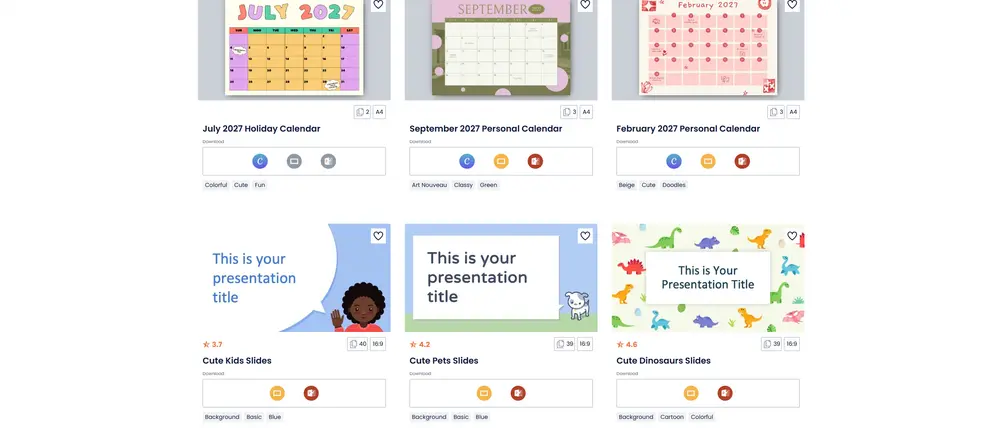
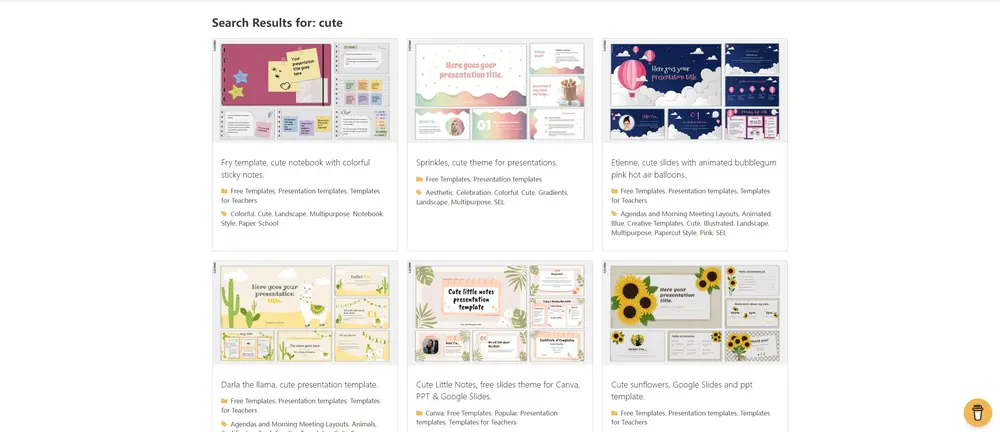
SlidesMania is a favorite among teachers, offering 100% free Google Slides, PowerPoint, Canva and pptx templates with no registration or download limits. It stands out for interactive, notebook-style and classroom-ready designs with a cute, hand-crafted feel, alongside plenty of multipurpose options. There is no premium wall, just an optional "buy me a coffee," and the library is well organized so finding the right design takes a minute. Best for educators and anyone who loves cute, notebook-inspired slides.
5. Canva
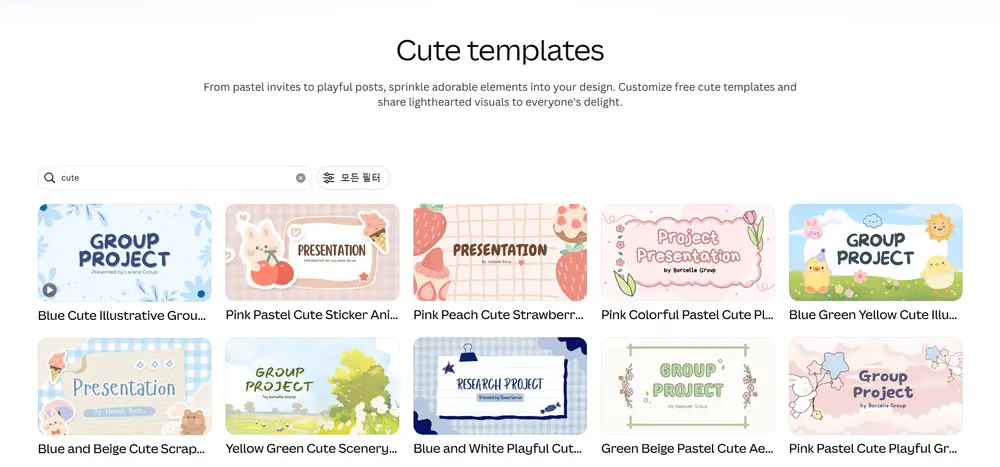
Canva is a full design platform whose presentation section is one of the richest sources of cute templates anywhere, search "cute," "pastel" or "kawaii" for thousands of designs. Its drag-and-drop editor makes customizing effortless: recolor in a click, add stickers and photos from a huge media library, collaborate in real time, and export to PowerPoint or PDF. The free plan covers most cute needs, while Pro unlocks premium assets and brand kits. Best for beginners who want the easiest all-in-one editor rather than a pure download site.
6. Just Free Slide
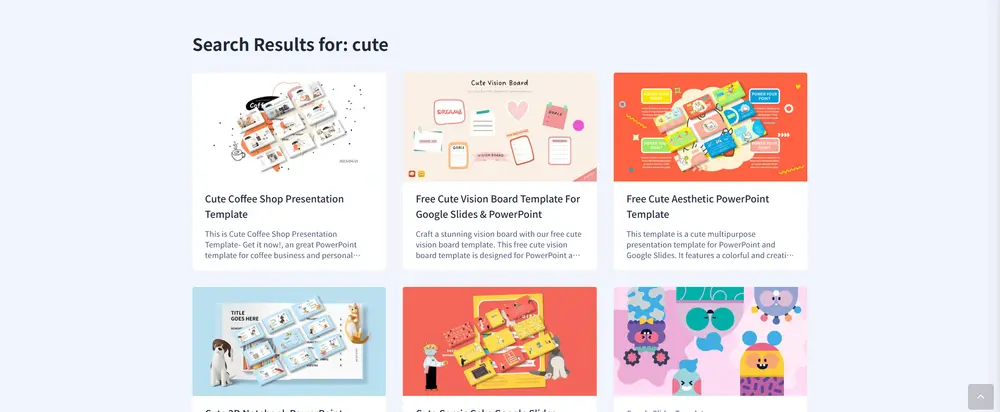
Just Free Slide is a focused library with a strong selection of cute Google Slides and PowerPoint designs in kawaii, pastel, doodle and notebook styles, plus themes for animals, candy, back-to-school and baby showers. Many are tailored to teachers and students, with editable placeholders and drag-and-drop layouts, and most download without a sign-up. It also curates themed roundups for inspiration. Best for cute, classroom-ready slides from a hand-picked catalog.
7. TheGoodocs
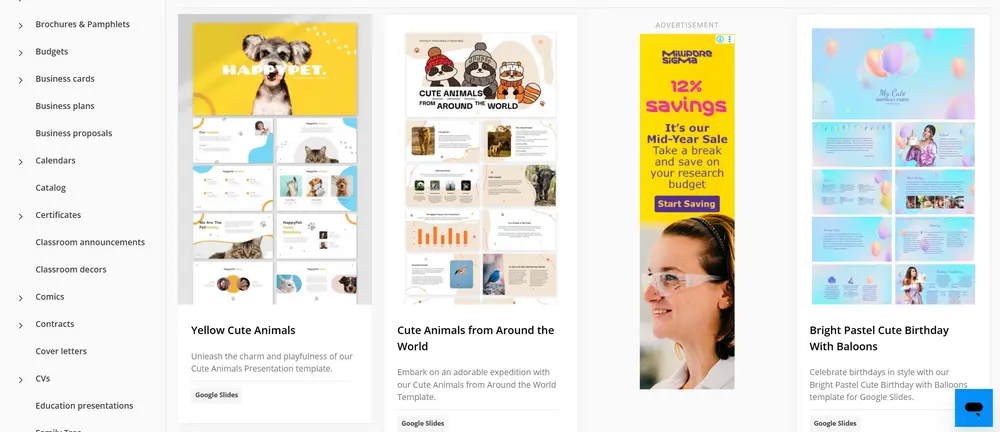
TheGoodocs offers free, designer-made cute Google Slides templates, including birthday, animal and bright pastel themes ideal for events, classrooms and celebrations. Templates are quality-checked, built for Google Slides, and easy to recolor and edit, and the site also covers other free editable formats. Filtering by style and occasion makes it quick to find the right theme, though you should still confirm the license for commercial use. Best for cheerful, approachable cute slides for events and education.
8. SlideNest
SlideNest keeps a clean, curated collection of free cute PowerPoint templates and Google Slides themes, with soft palettes, rounded shapes and friendly accents suited to lessons, kids' activities and lighthearted projects. Because designs work in both tools, you get a consistent result whichever you use, and the focused catalog is easy to browse without wading through thousands of options. Best for a quick, friendly cute template without complexity.
9. SlideKit
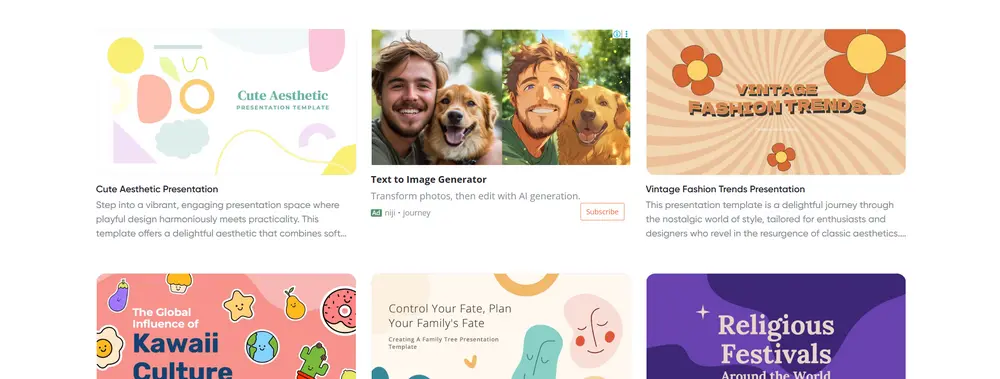
SlideKit curates collections of cute Google Slides templates and roundups of the best free designs, from pastel portfolios and baby-shower themes to Japanese-inspired and seasonal layouts, often with 20 to 36 slides per set. It mixes free downloads with premium designs that need a subscription, and its editorial guides make each pick easy to choose with confidence. Best for a guided, curated way to find multi-slide cute sets, just check which designs are free.
10. PoweredTemplate
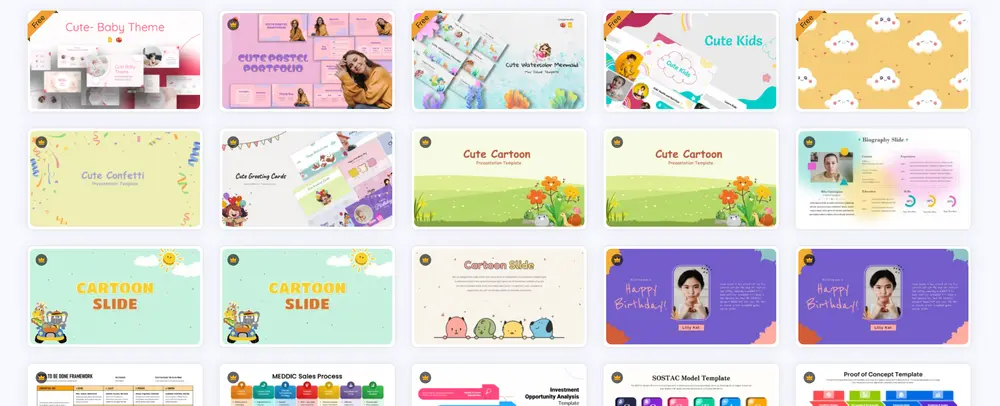
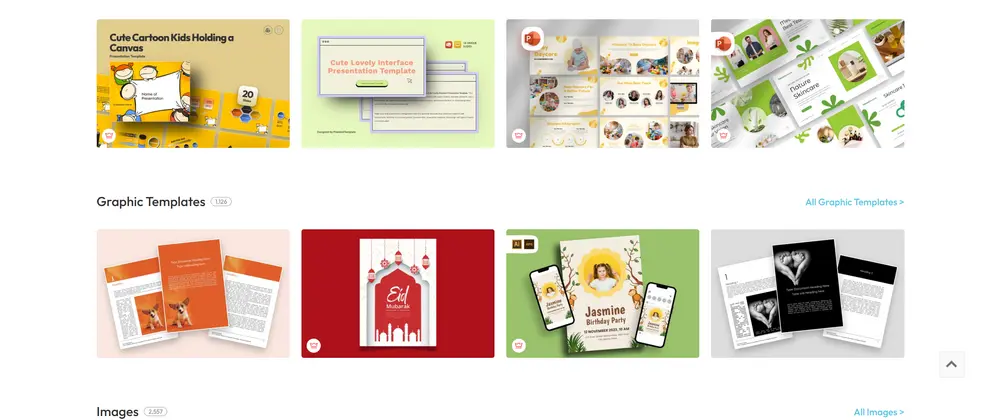
PoweredTemplate rounds out the list with a vast library of slide-master-based themes, including cute and playful designs that work in PowerPoint and Google Slides and are easy to recolor after downloading. It also has an AI presentation maker that turns text into slides. The catalog mixes free and premium, with some downloads and formats reserved for paid members, so check before you commit. Best for one big, all-purpose library that happens to include cute slides.
Cute slides templates compared at a glance
Each site has its own strengths. The table below summarizes how the ten options stack up so you can match a source to your needs, whether you want zero sign-ups, classroom-ready designs, or AI that builds the deck for you.
| Site | Free templates | Formats | Sign-up | Best for |
|---|---|---|---|---|
| Smallppt | 1,000+ free, plus AI generation | PPTX (PowerPoint, Google Slides) | Free account to export | Making cute slides fast with AI |
| Slidesgo | Large free tier + premium | Google Slides, PowerPoint | Register for free downloads | Variety and trending aesthetics |
| SlidesCarnival | Fully free, no limits | Google Slides, PowerPoint | None | Zero-friction cute downloads |
| SlidesMania | Fully free, no limits | Google Slides, PowerPoint, Canva | None | Teachers and interactive slides |
| Canva | Thousands free + Pro | Canva, export to PPTX/PDF | Free account | Easy drag-and-drop editing |
| Just Free Slide | Free curated picks | Google Slides, PowerPoint | Usually none | Kawaii and classroom designs |
| TheGoodocs | Free, designer-made | Google Slides and more | None | Events and cheerful themes |
| SlideNest | Free cute collection | PowerPoint, Google Slides | None | Quick, friendly designs |
| SlideKit | Mix of free and premium | Google Slides, PowerPoint | Varies by template | Curated, multi-slide sets |
| PoweredTemplate | Mix of free and premium | PowerPoint, Google Slides, PDF | Account for downloads | One large all-purpose library |
Free does not always mean free for everything. Several sites mix free and premium templates, and some require a sign-up or attribution. Always check each template's license before using it for commercial or published work, and confirm the format you need is included in the free version.
Conclusion
Cute slides templates are one of the easiest ways to make a presentation feel warm, friendly and memorable, and you do not have to spend a cent to get them. If you want maximum variety, Slidesgo and Canva are hard to beat; if you want truly unlimited, no-sign-up downloads, SlidesCarnival and SlidesMania are outstanding; and for curated or niche picks, Just Free Slide, TheGoodocs, SlideNest, SlideKit and PoweredTemplate all have something to offer. But if you would rather skip the search entirely and have a cute, on-topic deck built for you in minutes, start with Smallppt, generate your slides with AI, then style them until they are exactly as adorable as you imagined. Whichever route you choose, you now have ten reliable sources for cute Google Slides templates and PowerPoint themes to make your next presentation shine.
Are these cute slides templates really free?
Most are. SlidesCarnival and SlidesMania are fully free with no limits or sign-ups, and sites like Just Free Slide, TheGoodocs and SlideNest offer free downloads. Others, such as Slidesgo, Canva, SlideKit and PoweredTemplate, mix free and premium designs, so check whether a specific template is free before downloading.
Do cute slides templates work with both Google Slides and PowerPoint?
In most cases, yes. The majority of templates on these sites are compatible with both Google Slides and PowerPoint. Smallppt and several others let you export a PPTX file that opens cleanly in either tool, so you can edit wherever you prefer.
Do I need to credit the designer when I use a free template?
It depends on the license. Some templates are free for any use with no attribution, while others ask for credit or restrict commercial use to paid plans. Always read the usage terms on the specific template page before publishing or selling your work.
What makes a slides template "cute"?
Cute templates usually feature soft pastel colors, playful and readable fonts, and friendly decorative elements like doodles, stickers, animals or hand-drawn illustrations. The best ones balance that charm with clear, editable layouts so your content stays easy to read.
Can I create my own cute slides with AI instead of downloading a template?
Yes. Tools like Smallppt generate a complete, editable cute presentation from a simple text prompt in about a minute. You can then switch templates, adjust the palette to soft pastels, and customize images before exporting to PowerPoint or Google Slides.
Which site is best for teachers who want cute slides?
SlidesMania and Just Free Slide are especially strong for educators, with interactive, notebook-style and classroom-ready designs. Slidesgo also has a large education library, and Smallppt is handy for turning lesson notes into cute, structured slides quickly.